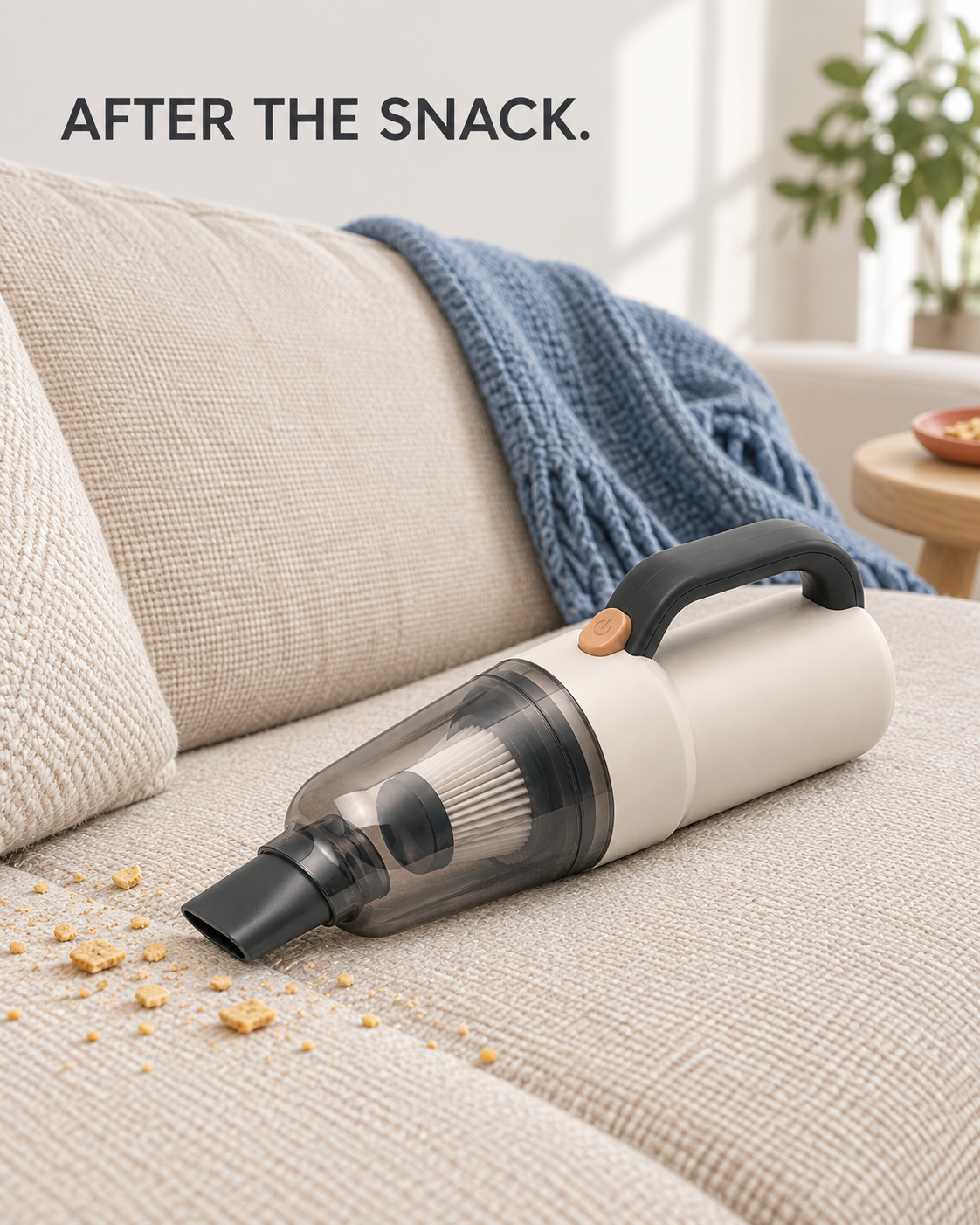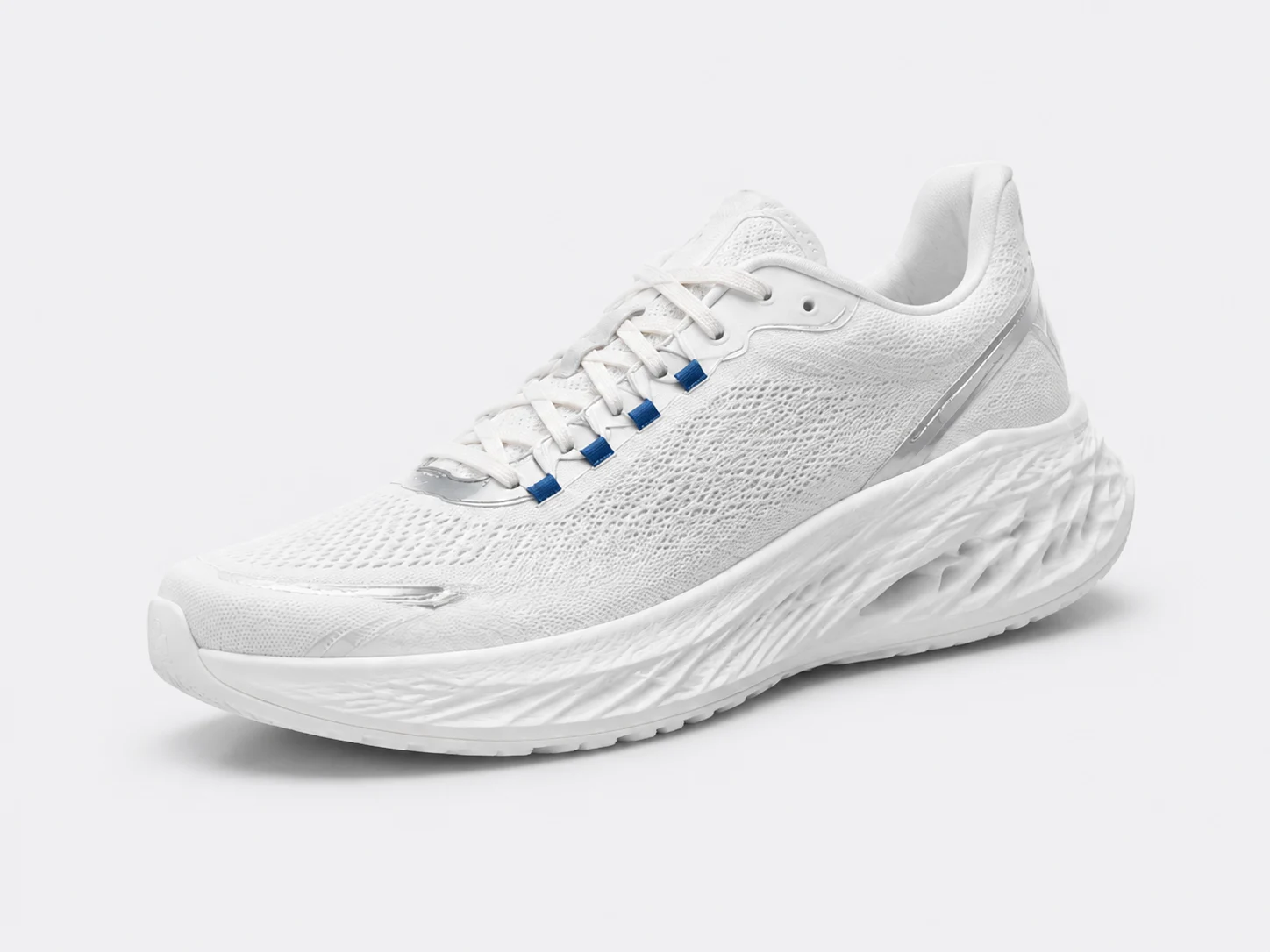
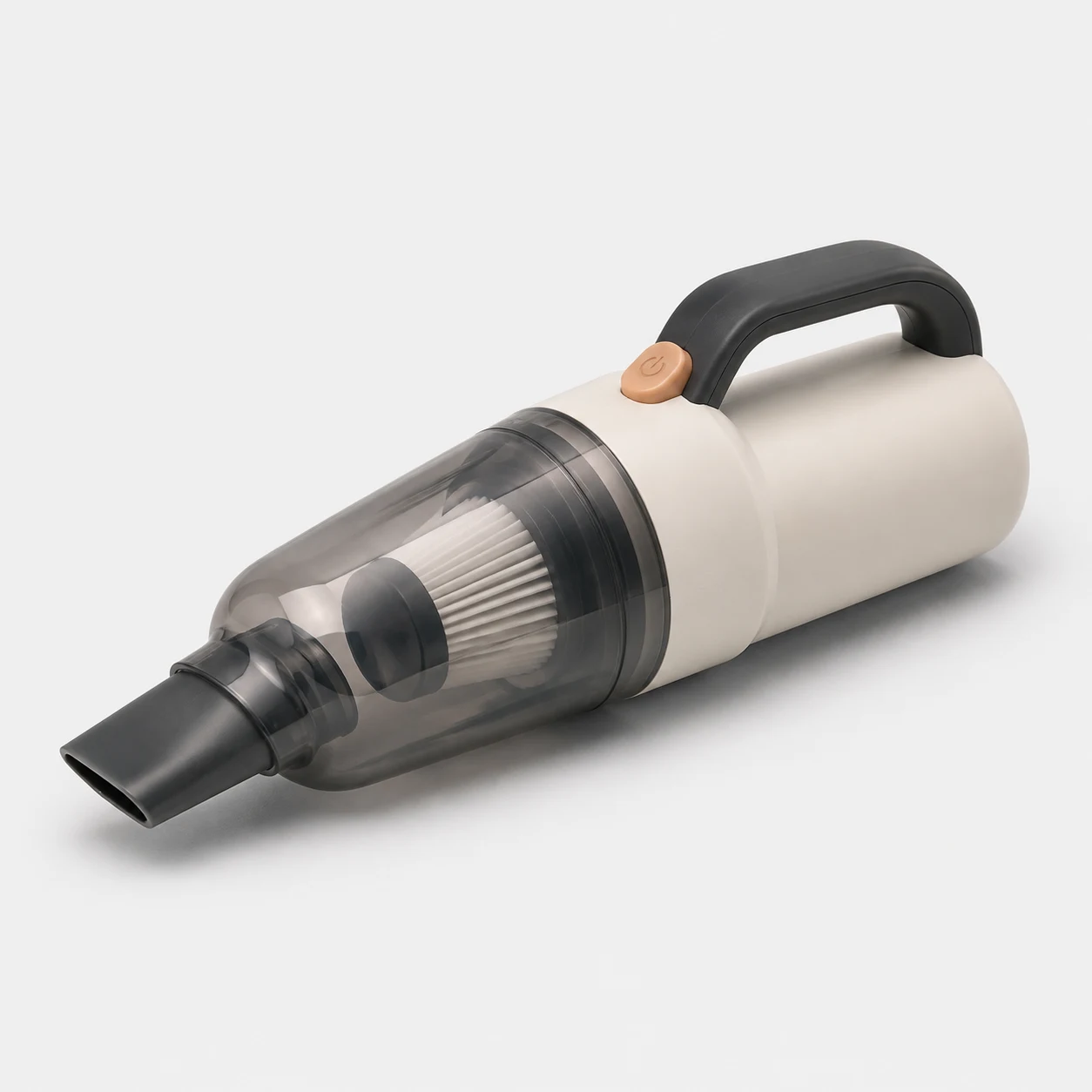
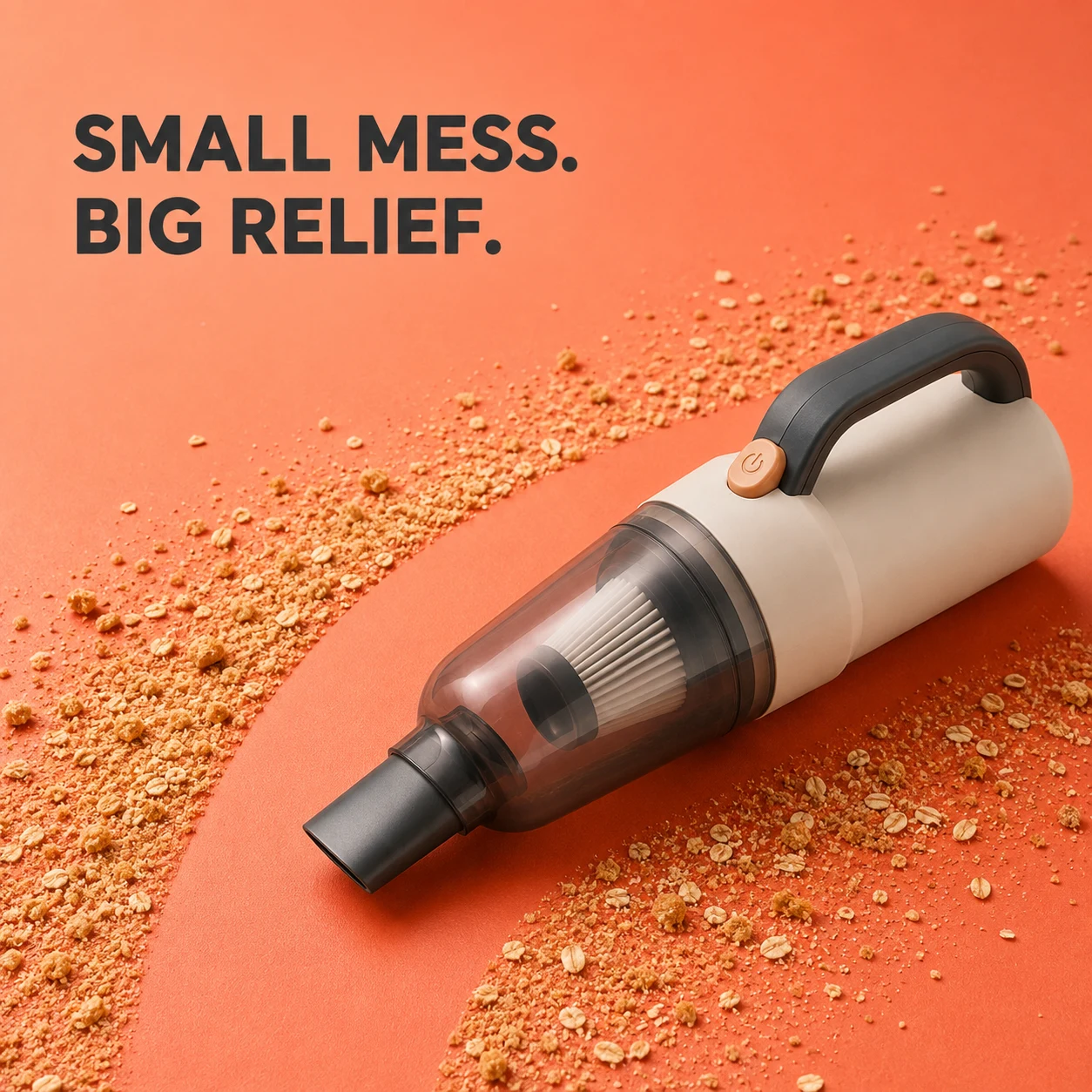
“The product is already perfectly clear. Why do I need another image for the ad?” Looking at the two vacuum images above, that is a fair question. The one on the right adds color, crumbs and a headline. But are they doing useful work, or just making the picture busier?
The plain photo is doing a useful job
 Enlarge image
This is not a bad picture waiting to be replaced. You can locate the pale body, dark handle, orange button and filter inside the dust cup. For someone deciding what to buy, those details can be more useful than a clever background.
If I were about to order it, though, I would still want to know: how big is it? How does the dust cup open? Does the box include only this nozzle, or other attachments too? This image cannot tell me. Polishing the background will not help. Photos showing scale, emptying and the actual contents of the box would.
A product page needs more than an isolated product shot. It needs a set of images that helps someone understand the item. Plain backgrounds, settings and close-ups can all belong there, as long as each one answers another question.
What does the orange image add?
 Enlarge image
Look at the clear area beside the vacuum. There are crumbs on either side, with a gap leading your eye toward the nozzle. You do not have to read a specification to understand that the picture is about cleaning.
The headline, “SMALL MESS. BIG RELIEF.”, stays with that one thought. It does not try to explain the battery, capacity and accessories. Instead, it puts the product into a modest need: could this help me deal with the few crumbs in front of me?
That connection interests me more than the orange. Try mentally removing the crumbs and the clear strip. You would still have the same vacuum and a vivid color, but less of a reason to imagine using it. Changing a background is not necessarily changing what the image says.
I would not hand this version straight to a media buyer, though. The clear strip was generated, not cleaned. It tells us nothing about how much the vacuum removes in one pass. Before turning the idea into an actual ad, I would try that small cleanup with the real product and revise the scene to match. We have no campaign data for either image, so appearance alone cannot tell us that the orange one will sell more.
So a plain product photo cannot be an ad?
Of course it can. If the vacuum has a distinctive shape, or the shopper already knows it, a clear product photo is worth trying. In the other direction, a scene showing how it is used may help someone on a product page.
I would not assign the job by checking for a white background. I would ask what the person seeing the image needs to understand first. With this vacuum, that might look like this:
| The shopper might be asking | What to show first |
|---|---|
| What is it, and what would I use it for? | A recognizable product in a small cleanup situation. |
| How is it different from the vacuum I already own? | A real difference, such as scale or storage. Do not invent a benefit to fill the space. |
| What exactly comes in the version I am buying? | The selected model and included attachments, without mixing in styling props. |
That is why “make it look more like an ad” is not a useful revision on its own. Bigger type, brighter colors and a discount badge can all make the image busier without making it any more helpful.
The product page needs to pick up the conversation
Say someone clicks because the ad suggests an easy way to deal with a few crumbs. They land on a page containing an isolated machine and a long specification list. Their new questions are still unanswered: how do I actually use it, and how do I empty it afterward?
For this product page, I would add a real demonstration of use and emptying the dust cup, not three more cover images in different colors. The ad starts an interest; the page should help someone follow it through. The images do not need to look alike, but they should not tell unrelated stories.
- Compare the product: do the orange button, handle, nozzle and dust cup match the real item? Similar-looking AI images are not a guarantee of accurate details.
- Check the attachments: is the nozzle in the ad included in the selected bundle?
- Follow through on the message: if the ad is about convenient cleanup, does the page show real use or clear instructions, rather than just saying “powerful suction”?
One smaller layout issue: if one product looks huge beside a tiny one on your Shopify collection page, check the main images' aspect ratios and the theme's cropping. Shopify also recommends consistent aspect ratios for those featured images. That keeps the storefront orderly; it does not mean every ad should use the same ratio. Shopify product image display guidance
Write two different briefs next time
You do not need a longer prompt. Keep the product facts and change the question the image needs to answer. These two briefs are starting points; replace the model, accessories and cleanup task with information you have checked for your own product.
Create a product-page image that makes the actual item clear. Use my real product photos as the reference. Preserve the body's shape and color, handle, button, nozzle and dust cup. Use a simple background and show the complete product. Do not hide important parts with decoration or add accessories that are not included. For dimensions or disassembly details, use the additional photos and accurate measurements I supply. Do not guess them from appearance.
Create an Instagram feed image about dealing with a few crumbs on a tabletop. Use my real product photos and usage demonstration as the reference. Preserve the product's shape and color, and make the relationship between the nozzle, a few crumbs and the cleaning area easy to understand. Stay with this one use case. Keep the product clear and leave space for a short headline, without listing battery or capacity specifications. Match the debris and result to the demonstration. Do not exaggerate the cleaned area or add speed, suction or sales figures. Make the first version without text. Set the headline separately so it remains editable.
Review the results at the size someone would normally see them on a phone. Can you recognize the important parts in the product-page image? Can you understand the small problem in the ad without a long explanation? Then compare both with the real item. If the second image only has a new background, there is more work to do.
Key takeaways
- Start with the question the shopper has, not the background you prefer.
- A plain product photo can be an ad; color and effects are not the dividing line.
- Follow through on the ad's reason to buy when the shopper reaches your product page.
Before asking AI to make a picture look more like an ad, write down one small situation your buyer might recognize. Decide how the product belongs in that situation. That changes the message, not just the backdrop.
Further reading
Sources checked: